

View Source Code
Access the complete source code for this bot on GitHub
Try Live Demo
Interact with the finished bot on Telegram
Prerequisites
Before you begin, ensure you have:- Node.js - v22 or later
- Sim API Key - Get your API key
- Telegram Bot Token - Create one via @BotFather
- Supabase Account - Create a free account
- ngrok Account - Create a free account for local development
Features
By the end of this guide, your top token holders tracker will:- Identify Top Token Holders - Read a CSV of popular tokens exported from Dune and find their top holders
- Monitor Balance Changes - Set up subscription webhooks to receive real-time balance change notifications for those wallets
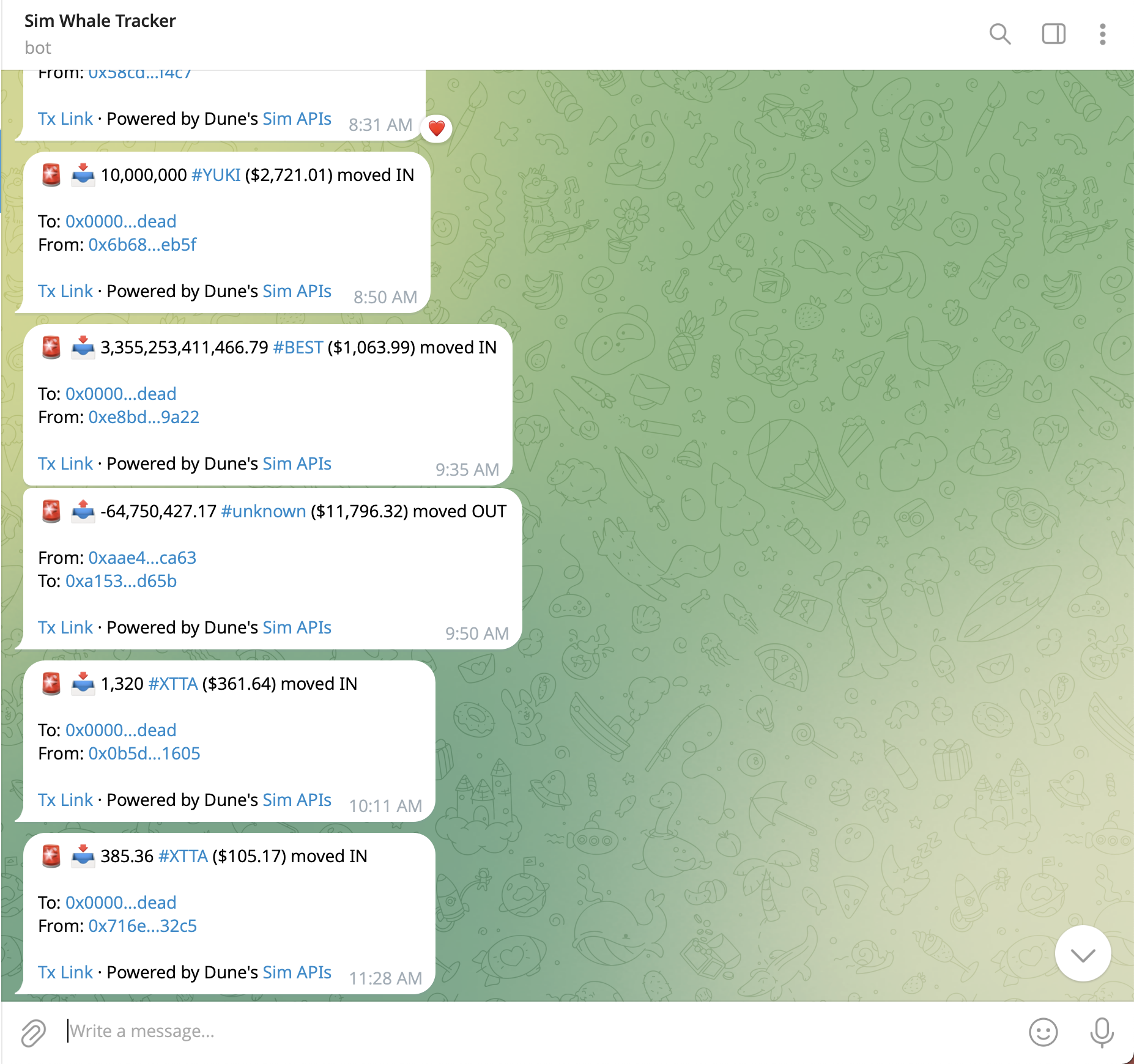
- Send Telegram Alerts - Deliver formatted Telegram messages with transaction details
- Manage Subscriptions - Pause, resume, and view your webhook subscriptions
Project Setup
Let’s initialize the project.1
Create Project Directory
2
Install Dependencies
We need Express, the Postgres client, and a CSV parser to handle the Dune export.
3
Set Up Supabase
- Go to supabase.com/dashboard and click Create a new project
- Fill in your project details (project name, database password, region) and click Create new project
- Once created, click Connect in the top navigation bar
- Select the Connection string tab, then choose type URI
- Select Transaction pooler and copy the connection string
- Replace
[YOUR-PASSWORD]with your URL-encoded database password
The Transaction pooler connection is recommended for serverless deployments like Vercel.
4
Set Up Environment Variables
Create a
.env file in your project root:.env
5
Create Configuration
Update your
package.json to enable ES Modules and add a start script:package.json
6
Initialize Server and Database
Create the entry point
index.js. We initialize the database tables on startup.index.js
7
Enable Row Level Security
The application creates tables automatically on startup, but you need to enable Row Level Security (RLS) policies in the Supabase dashboard. Go to SQL Editor and run:These RLS policies allow your server full access while keeping the database secure.
Build the Bot
With the project set up, we’ll now implement the core functionality: loading token data, fetching top holders from Sim’s Token Holders API, setting up webhook subscriptions, and wiring everything to Telegram.1
Get Top ERC20 Tokens
We need a list of popular tokens to monitor. Create a file called
tokens.csv in your project root with the following content:tokens.csv
This CSV contains the top WETH and USDC tokens by volume across chains. To verify or explore a larger dataset, see this Dune query.
Load Token Data
We need to read this CSV file and map the blockchain names (e.g., “ethereum”) to their respective Chain IDs (e.g., 1).Add this logic toindex.js:index.js
2
Get Top Token Holders
3
4
Handle Balance Change Events
When a top holder moves funds, Sim sends a POST request to your webhook URL.
Process Incoming Webhooks
Add the/balances route to your Express app.index.js
5
6
Manage Webhooks
Deploy and Configure
1
Start Your Server
Run your Express app:
2
Expose to Public Internet
If developing locally, you can expose a port to the public internet so that Sim Subscriptions can call it. ngrok is a utility that helps with that. You need an account on dashboard.ngrok.com to use it.Copy the provided URL (e.g.,
https://abcd-123.ngrok-free.app) and update WEBHOOK_BASE_URL in your .env.3
Register Telegram Webhook
Tell Telegram to send updates to your server:
4
Initialize the Tracker
Since our server is running, we can trigger the setup process using CURL or Postman:
5
Subscribe to Alerts
Open your Telegram bot and send
/start to begin receiving top holder alerts.Conclusion
You’ve built a top token holders tracker bot that monitors large token holders in real-time using Sim’s Subscriptions API. The key components we covered:- Node.js & Express - A lightweight server for handling webhooks and Telegram commands.
- CSV Integration - Parsing Dune Analytics data to drive your bot’s logic.
- Supabase PostgreSQL - Cloud-hosted database for storing top holders and managing subscribers.
- Sim APIs - Using Token Holders and Subscriptions endpoints to power the logic.